Tap to Pay on iPhone
Accept contactless payments right on your iPhone
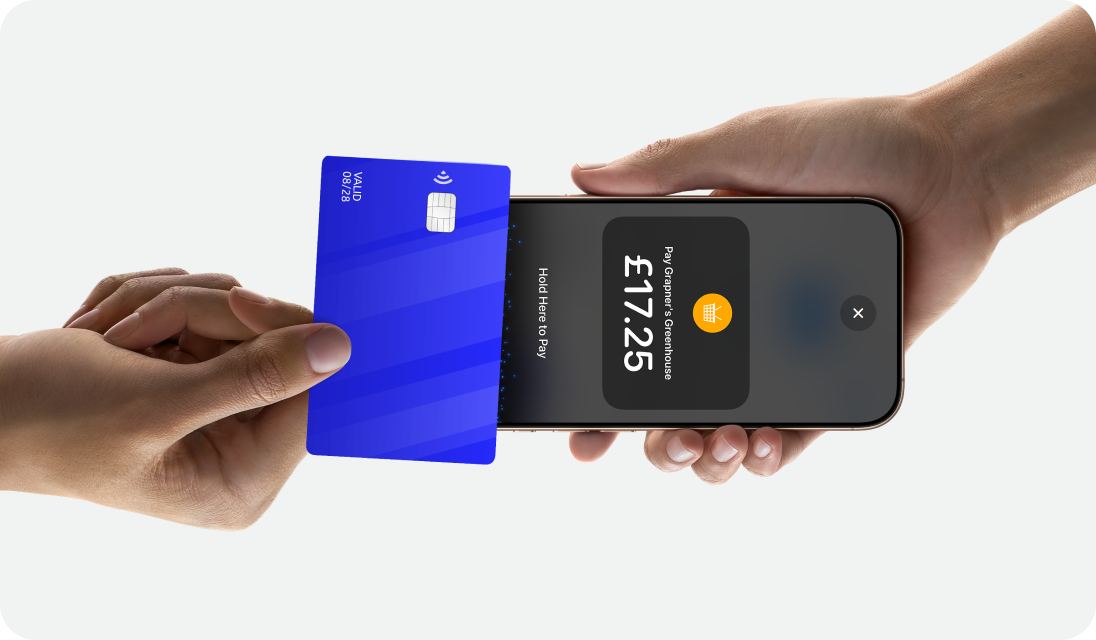
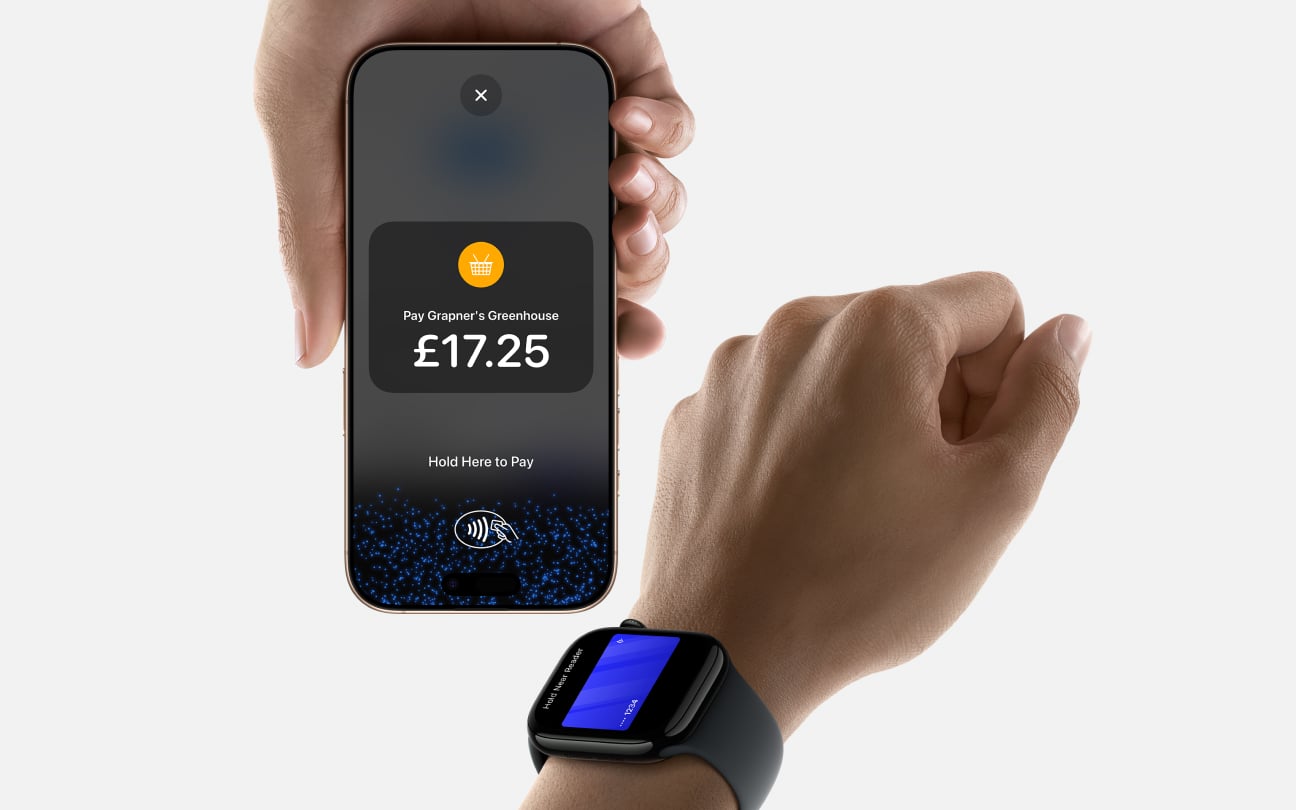
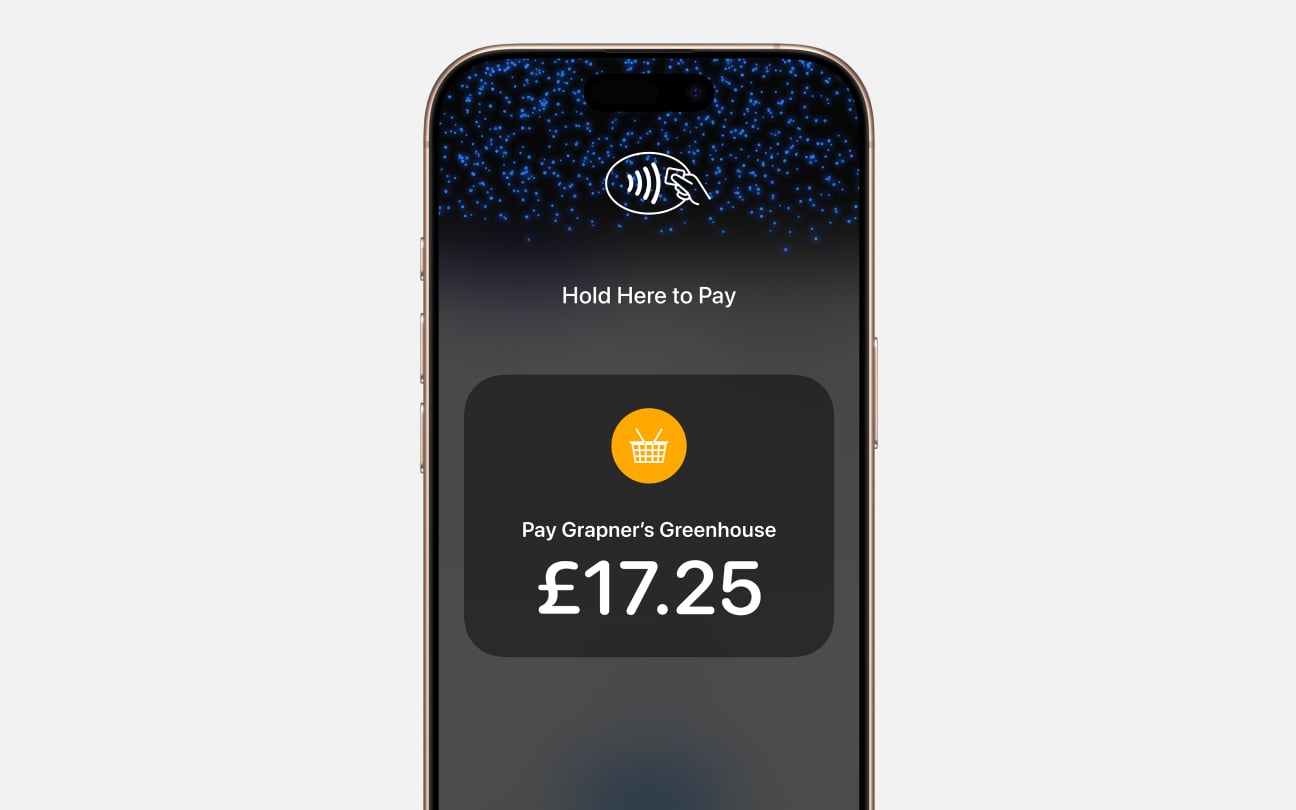
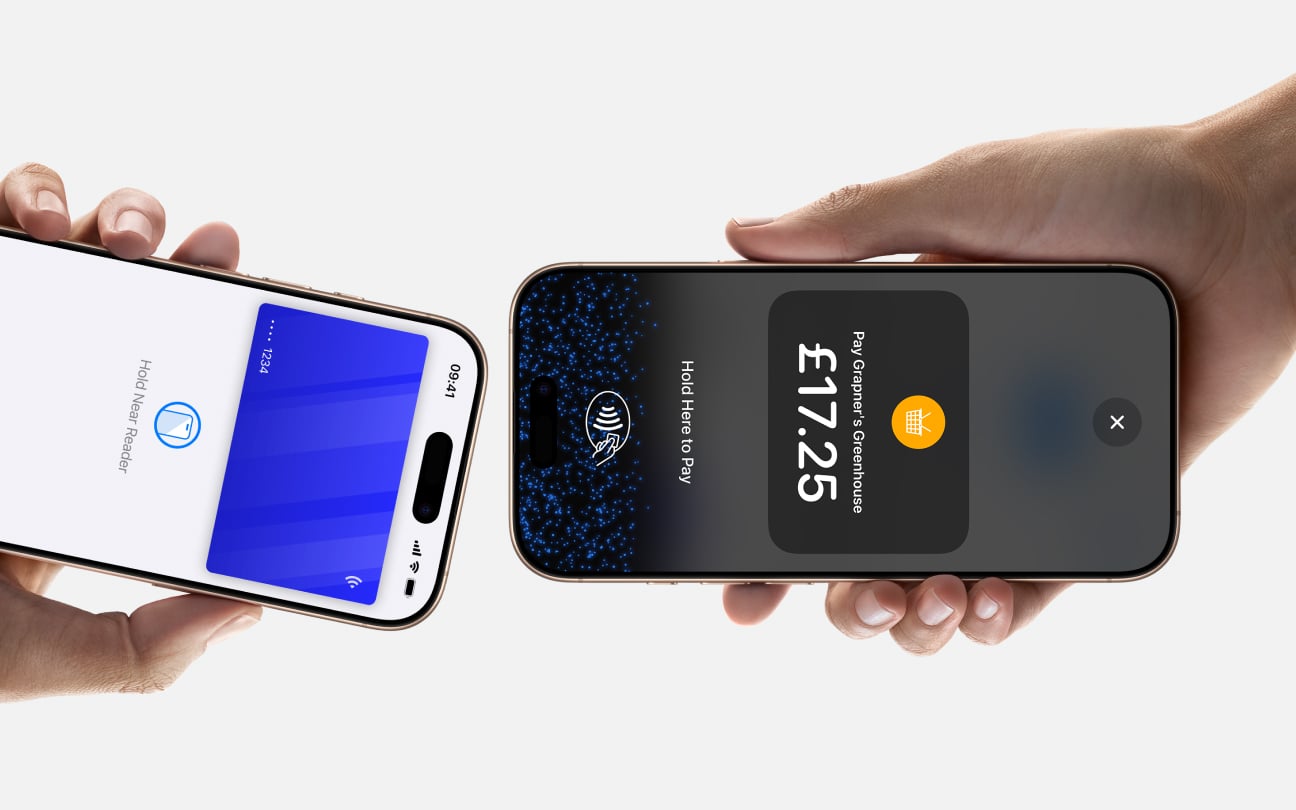
Tap to Pay on iPhone is now available with Genius mobile pay. That means businesses can accept all types of in-person, contactless payments — from physical debit and credit cards to Apple Pay and other digital wallets. It’s easy and secure, and no additional hardware is needed. All you need is an iPhone.
Expand where you do business
No additional hardware
Privacy and security built in
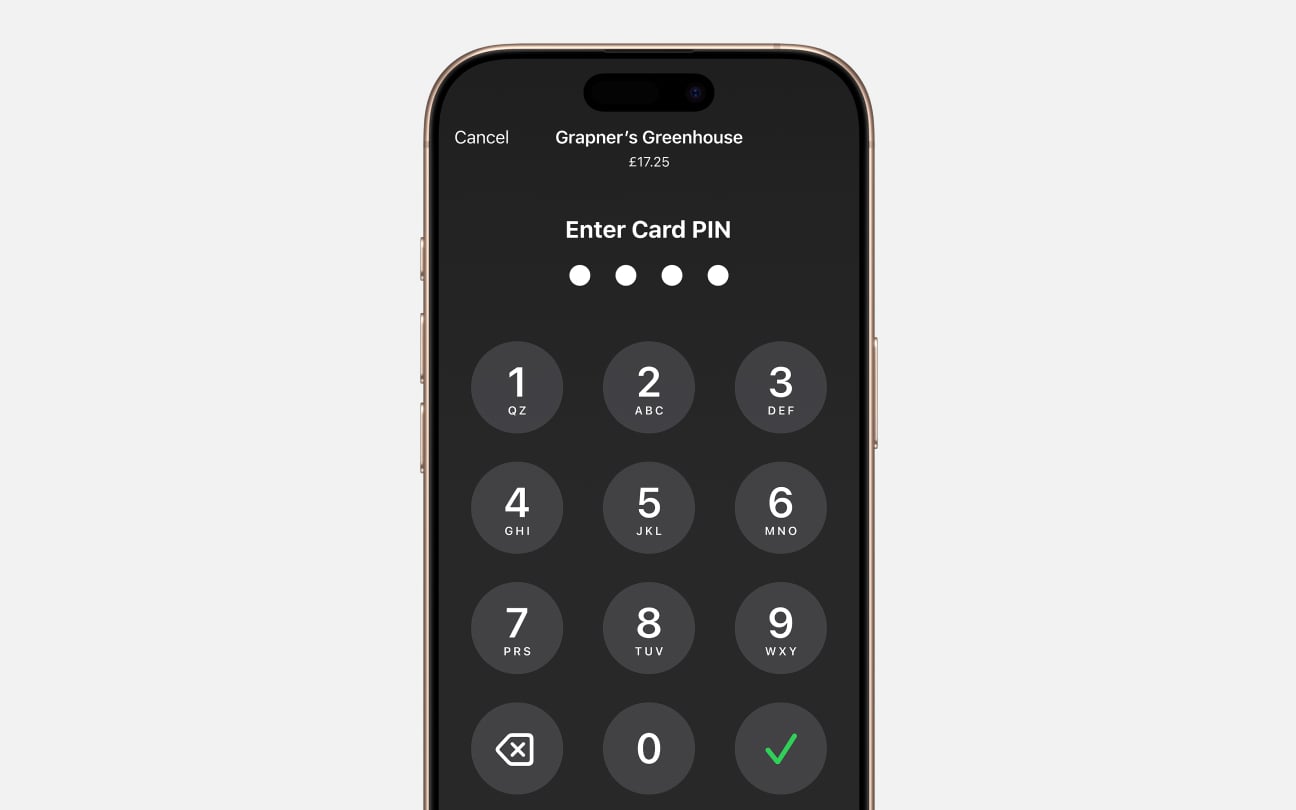
PIN transaction protection

Accessible for everyone
Tap to Pay on iPhone requires a supported payment app and the latest version of iOS. Update to the latest version by going to Settings > General > Software Update. Tap Download and Install. Some contactless cards may not be accepted by your payment app. Transaction limits may apply. The Contactless Symbol is a trademark owned by and used with permission of EMVCo, LLC. Tap to Pay on iPhone is not available in all markets. For Tap to Pay on iPhone countries and regions, see https://developer.apple.com/tap-to-pay/regions.